Your website is the foundation of your online presence. And at the heart of every website is a content management system, or CMS.
A CMS is the software that lets you create, edit, and publish content without writing code from scratch. But not all CMS platforms are created equal. The one you choose affects your site speed, your SEO, your ability to scale, and how much you pay every month.
Here is how to choose the right one for your Gold Coast business.
What Makes a Good CMS?
Before comparing platforms, it helps to know what you are looking for.
A good CMS should do three things:
- Let you update content easily without a developer
- Structure your site in a way that search engines can understand
- Handle growth without forcing you to rebuild
Everything else is a bonus.
WordPress: The Industry Standard
WordPress powers over 40% of all websites on the internet. That is not by accident.
It is open source, which means you own everything. There are no monthly platform fees, no restrictions on what you can build, and no one can shut down your site because they changed their terms.
It is also the most SEO-friendly platform available. Rank Math (the SEO plugin we use at Loom Digital) gives you full control over every meta tag, schema markup, and technical SEO setting. Google loves WordPress sites when they are built properly.
The tradeoff? WordPress requires proper hosting and maintenance. You cannot just install it and walk away. You need good hosting, security updates, and regular backups. But when set up correctly, it outperforms every other CMS for business websites.
Shopify: Best for Ecommerce
If you are selling physical products online, Shopify is a strong option. It handles inventory, payments, and shipping out of the box. You do not need to piece together plugins to run a store.
The downside is flexibility. You are limited to what Shopify allows. Custom features are expensive or impossible. And Shopify adds transaction fees unless you use their payment processor.
For a pure ecommerce business, Shopify works. For a service business that also sells products, WordPress with WooCommerce gives you more control.
Webflow: Designer Friendly, But Limited
Webflow has become popular with designers who want more control than Squarespace but less complexity than WordPress. It produces clean code and gives you visual design control.
The catch is that you are locked into Webflow’s hosting. You cannot move your site elsewhere without rebuilding it. And the ongoing cost is higher than properly managed WordPress hosting.
For a marketing site that does not need frequent updates or complex features, Webflow can work. For a growing business that needs flexibility, it is limiting.
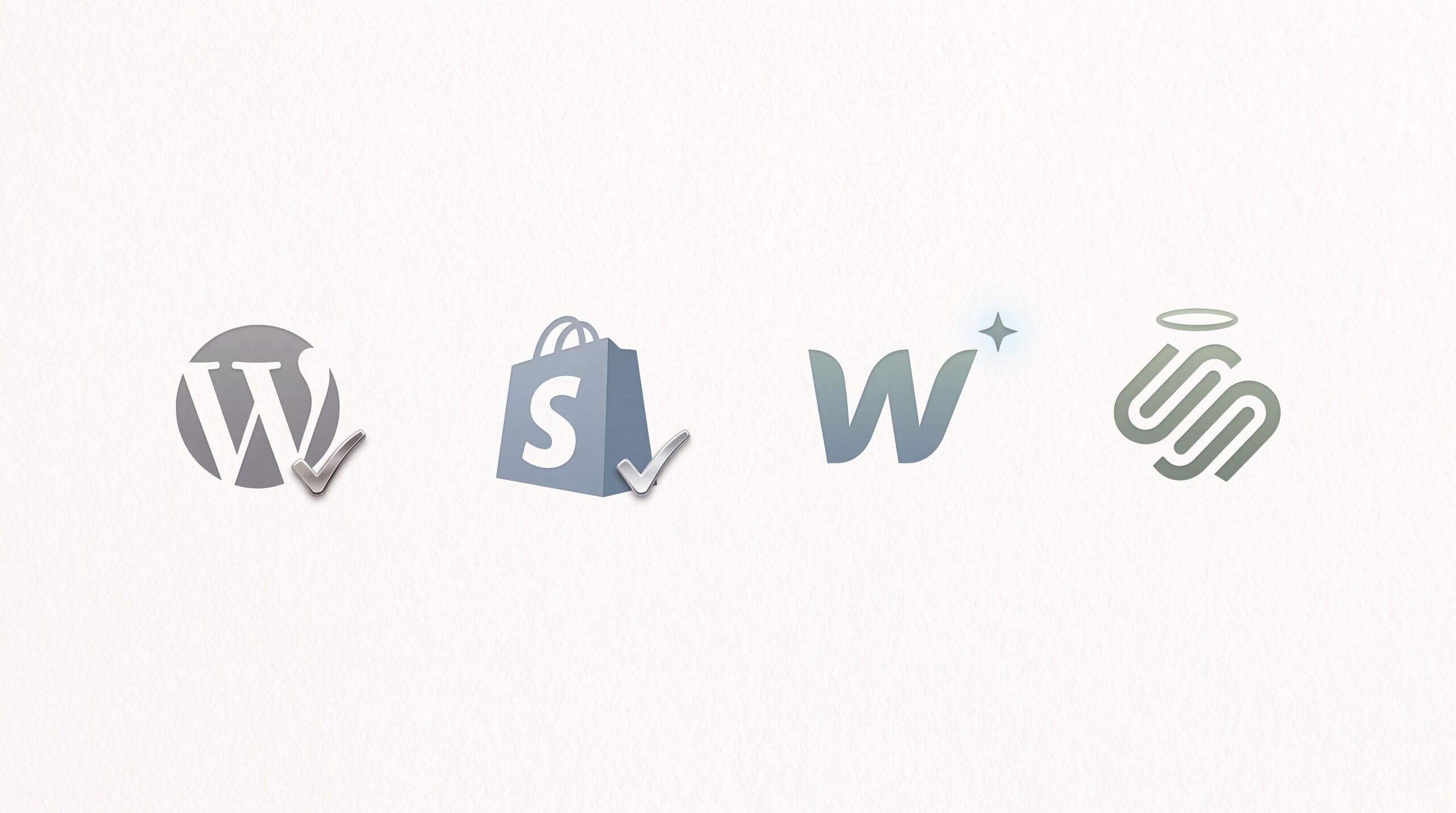
Squarespace and Wix: Simple but Restrictive
These platforms are designed for simplicity. If you need a basic site fast and do not plan to scale, they get the job done.
But they come with real tradeoffs. Limited SEO control. Slower load times. No way to move your site if you outgrow them.
For a hobby or side project, they are fine. For a business that needs leads, they hold you back.
What We Use at Loom Digital
We build on WordPress. Here is why.
WordPress gives our clients full ownership of their site. No monthly platform fees. No restrictions on features. No lock-in.
It gives us full control over SEO. Every technical detail is accessible and optimisable. We can structure content, implement schema, and control page speed at a granular level.
And it scales. Our client sites start as a simple service page and grow into multi-location, multi-service platforms with booking systems, client portals, and ecommerce. WordPress handles it all.
How to Make Your Decision
Ask yourself these questions:
- Do you want to own your site or rent it? If you want ownership, choose WordPress or a static site. Avoid platforms that lock you into their hosting.
- Do you need ecommerce or just lead generation? If ecommerce is your main focus, consider Shopify. If you need a service business site that generates enquiries, WordPress is the better choice.
- Will you need to add features later? If your business is growing, choose a platform that grows with you. WordPress gives you the most room to expand.
- Do you have someone to manage the technical side? A good developer or agency handles hosting, security, and updates so you can focus on running your business.

Not sure which CMS suits your business? Our team builds on the platform that actually fits your needs. Talk to us about your project.