How to Automate a Business Workflow Without Creating More Work
Learn how to choose, map, test and improve business workflow automation without automating a broken process or losing the human checks that matter.

The best automation removes repetitive handling while keeping ownership clear. Start with one stable, high-volume process, document its exceptions and measure the time or errors it creates before choosing software.
What matters now
- Map the trigger, decision points, hand-offs and desired outcome.
- Fix unnecessary steps before automating them.
- Test exceptions, permissions and failure notifications before rollout.
Related Loom Digital resources: booking and lead capture websites, custom web design and website care plans.
Understanding Workflow Automation
Workflow automation is a powerful tool for businesses. It involves using technology to streamline and automate repetitive tasks across different applications, minimising the need for human intervention.
What is Workflow Automation?
At its core, workflow automation is about creating systems that handle tasks automatically. It follows a simple principle: “When this happens, do that.” This approach ensures that tasks are completed without constant oversight, allowing businesses to focus on more important work.
For instance, when a customer places an order, an automated workflow can generate an invoice, update inventory, and send a confirmation email, all without manual input.
Task Automation: The Heart of Workflow Automation
Task automation is the backbone of workflow automation. It allows businesses to automate specific tasks that are repetitive and time-consuming. By doing so, companies can reduce errors and improve efficiency.
Imagine a business that manually tracks social media mentions. With task automation, they can automatically collect this data in a spreadsheet, freeing up time for analysis and strategy.
Minimal Human Intervention
One of the biggest advantages of workflow automation is that it requires minimal human intervention. This means that once a workflow is set up, it runs on its own.
For example, a company can automate its hiring process by setting up a workflow that sends welcome emails and onboarding documents to new employees as soon as they’re hired. This reduces the workload on HR teams and ensures a smooth onboarding experience.
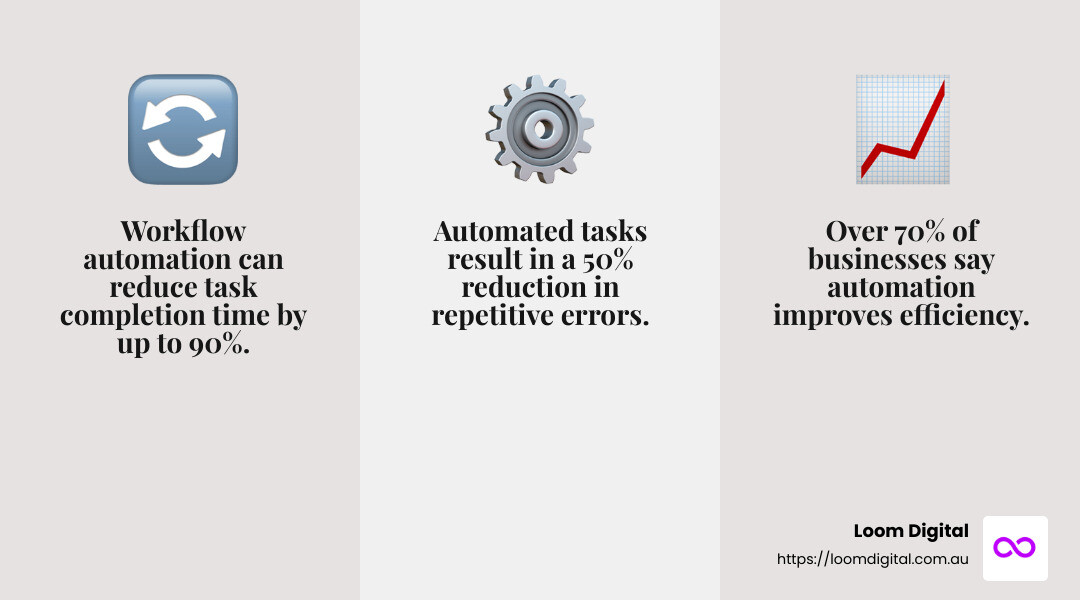
In summary, workflow automation allows businesses to operate efficiently by automating routine tasks. This not only saves time but also reduces the likelihood of errors, enabling teams to focus on strategic initiatives and innovation.
Steps to Automate Business Workflows
When you’re ready to automate business workflows, it’s crucial to follow a structured approach. Here’s a simple guide to get you started:
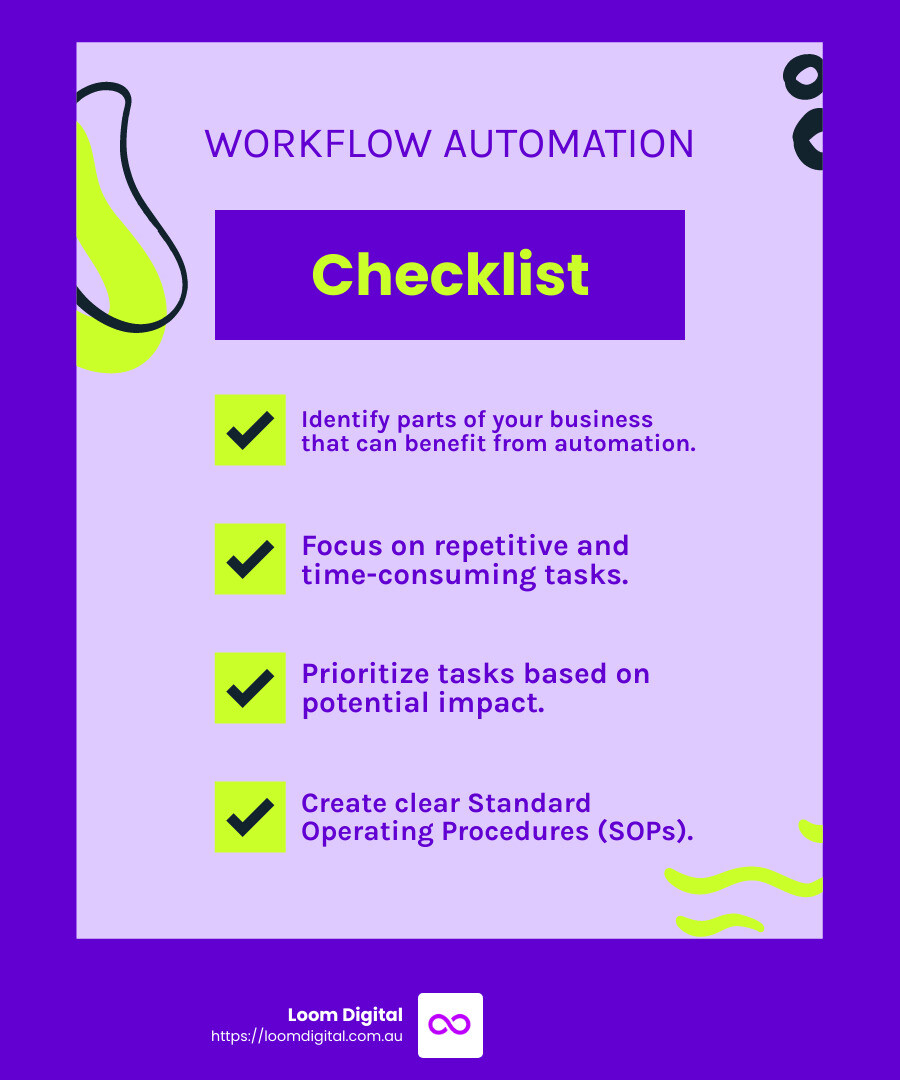
1. Identify Areas for Automation
Start by identifying which parts of your business can benefit most from automation. Look for tasks that are repetitive and time-consuming. For instance, if your team spends hours entering data into spreadsheets, that’s a prime candidate for automation.
Example: A bank reduced credit card approval time from four days to one by automating process flows. This saved them about €500,000 annually.
2. Focus on Repetitive Tasks
Once you’ve identified potential areas, zero in on repetitive tasks. These are tasks that follow the same steps every time. Automating these tasks can free up valuable time for your team.
Example: Social media managers can use workflow automation to track brand mentions automatically, rather than manually searching for them.
3. Prioritise Automation Efforts
Not all tasks are equally important. Prioritise automation efforts based on potential impact. Consider the time saved, error reduction, and improved efficiency. Start with tasks that offer the biggest benefits.
Example: A company might prioritise automating their sales pipeline updates in their CRM to ensure accuracy and save time.
4. Create Standard Operating Procedures (SOPs)
Before diving into automation, create clear Standard Operating Procedures (SOPs). These are step-by-step guides that outline how tasks should be done. SOPs help ensure consistency in your automated workflows.
Example: If you’re automating the invoicing process, an SOP would detail each step, from generating an invoice to sending it to the customer.
Bringing It All Together
By following these steps, you can effectively automate business workflows. This structured approach helps ensure that your automation efforts are targeted and impactful.
The goal is to streamline operations, reduce errors, and free up your team for more strategic work. Once you’ve set up your automated workflows, you’ll likely see significant improvements in efficiency and productivity.
In the next section, we’ll explore the top tools to help you achieve this automation with ease.
Top 9 Workflow Automation Tools
When you’re ready to dive into automate business workflows, the right tools can make all the difference. Let’s explore nine of the best workflow automation tools available today.
1. Jira Software
Best for Task Automation and Risk Management
Jira Software is a powerhouse for task automation. It offers robust task and issue management capabilities, including automation rules that assign issues, update fields, and trigger notifications based on predefined conditions. It’s perfect for teams focused on task automation and risk management, helping to mitigate risks with features like issue tracking and customisable workflows.
2. Confluence
Best for Documentation
Confluence is your go-to tool for seamless team collaboration on documents and content. With a user-friendly interface, rich text editing, and version history, it simplifies document creation and editing. This tool is essential for teams looking to streamline their documentation processes and improve communication.
3. Bitbucket
Best for Deployment Automation
Bitbucket excels in deployment automation. It integrates smoothly with CI/CD tools, enabling automated builds, tests, and deployments. Its customisable workflows and intuitive interface make it a top choice for teams aiming to streamline their deployment processes.
4. OttoKit (formerly SureTriggers)
Best for Improving Productivity
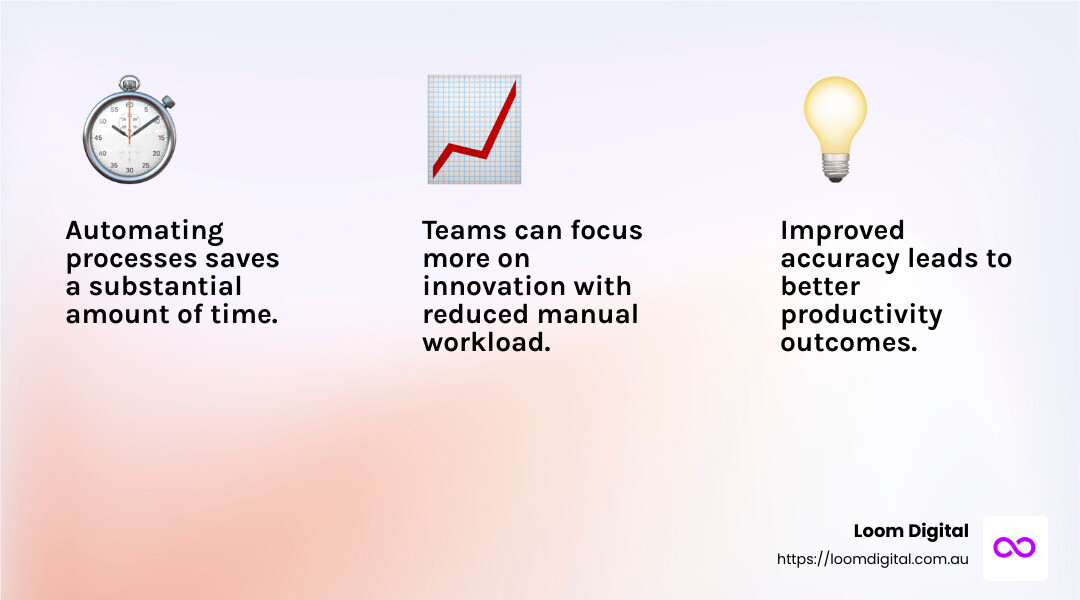
OttoKit (formerly SureTriggers) is all about boosting productivity by automating crucial processes and reducing manual workloads. By setting up triggers and predefined actions, it saves time and improves accuracy, allowing teams to focus on high-value activities and innovation.
5. Zapier
Best for Software Integration
Zapier is a user-friendly platform that facilitates easy integration of various software applications. It allows for the creation of “Zaps”, automated workflows that don’t require technical knowledge. Zapier is ideal for streamlining processes and enhancing productivity across multiple apps.
6. Kissflow
Best for Reporting and Analytics
Kissflow offers robust reporting and analytics features, providing valuable insights and tracking performance. Its customisable dashboards and built-in reports make it easy to monitor key metrics and project statuses, making it a great choice for businesses focused on data-driven decision-making.
7. Jira Align
Best for Enterprise Businesses
Jira Align provides real-time visibility across companies, offering a comprehensive view of projects, teams, and initiatives. It facilitates team synchronization and strategic planning, ensuring all teams work together toward common objectives.
8. Jira Service Management
Best for IT Service Management
Jira Service Management shines with its IT service management capabilities. It covers various service-related tasks like incident management and problem resolution. It’s highly flexible and customisable, making it perfect for aligning with a company’s specific requirements.
9. AuraQuantic
Best for Comprehensive Business Automation
AuraQuantic is a versatile platform that offers a wide range of automation solutions for business processes. It integrates seamlessly with existing systems and provides a user-friendly interface for designing and managing automated workflows.
By choosing the right tools, you can effectively automate business workflows and open up maximum impact for your organisation. In the next section, we’ll explore the benefits of automating business workflows and how they can transform your operations.
Benefits of Automating Business Workflows
Automating business workflows can transform how a company operates, delivering numerous advantages that improve overall performance. Here’s a closer look at key benefits:
Error Reduction
Automation helps minimise errors, especially in data entry tasks. According to research, 38% of Zapier users automate data entry, and 34% of knowledge workers believe that automation reduces errors. By eliminating manual data handling, businesses can ensure more accurate and reliable information.
Collaboration
Automated workflows improve collaboration by streamlining information sharing and task management. Tools like Jira Software and Confluence enable teams to work together seamlessly, ensuring everyone is on the same page and reducing miscommunications. This leads to more cohesive and effective teamwork.
Productivity
By automating routine processes, businesses can increase productivity. OttoKit (formerly SureTriggers), for example, focuses on boosting productivity by automating crucial processes, allowing teams to concentrate on high-value activities. This shift not only saves time but also encourages innovation and strategic thinking.
Decision-Making
Automation aids decision-making by providing real-time data and insights. Tools like Kissflow offer robust reporting and analytics features, enabling businesses to track performance and make data-driven decisions. This can lead to more informed strategies and better business outcomes.
By leveraging these benefits, businesses can optimise their operations and gain a competitive edge. In the following section, we’ll address frequently asked questions about automating business workflows, providing further insights into this transformative process.
Frequently Asked Questions about Automating Business Workflows
What is business workflow automation?
Business workflow automation is the process of using technology to perform routine tasks without human intervention. It simplifies complex business processes, ensuring that tasks are carried out consistently and efficiently. Automation tools like Zapier and Jira Software help businesses streamline operations by reducing manual work.
How do you automate business tasks?
To automate business tasks, start by identifying repetitive activities that consume time, such as data entry or email responses. Implement best practices by prioritising tasks that offer the most significant efficiency gains. Develop Standard Operating Procedures (SOPs) to guide automation efforts. Training users on new systems is crucial for smooth transitions and maximizing benefits. Tools like OttoKit (formerly SureTriggers) and Kissflow can automate processes and improve functionality across teams.
What are examples of workflow automation?
Workflow automation can be applied across various business functions. Here are a few examples:
- Product Lifecycle Management: Automate tasks like inventory updates and product launch notifications to streamline operations.
- Customer Support: Use automated chatbots to handle common inquiries, freeing up staff to tackle more complex issues.
- Accounts Payable: Automate invoice processing and payment approvals to reduce errors and speed up transactions.
These examples illustrate how automation minimizes manual effort and improves productivity, allowing businesses to focus on strategic growth.
By understanding and implementing these strategies, companies can effectively automate business workflows, leading to more efficient and profitable operations.

Written by Jayden
Founder, SEO specialist and web designer
Practical advice from the person planning, building and reporting on the work at Loom Digital.