
Plugins solve the same problem twice
Overlapping extensions create conflicts, duplicate scripts and unclear data ownership.
WooCommerce web design combines WordPress publishing flexibility with a commerce system you control. It suits businesses that need strong content, tailored product journeys or deeper integration, provided the store is kept lean, maintainable and operationally clear.

WordPress can support rich content and specialised commerce, but unmanaged plugins, hosting and product data can turn flexibility into maintenance debt. A strong build gives each extension a reason and owner.
Overlapping extensions create conflicts, duplicate scripts and unclear data ownership.
Useful guides attract visitors but fail to connect naturally with relevant categories and products.
Large catalogues, search, imports and checkout compete for resources in an environment chosen for a brochure site.
Customisations and dependencies are undocumented, so necessary maintenance is postponed.
WooCommerce is strongest when content, catalogue and custom requirements genuinely benefit from WordPress rather than when it is chosen only because the software is familiar.
WooCommerce software is open source, but a reliable store still requires hosting, maintenance, licences and responsible implementation. Ownership should make options clearer, not hide ongoing obligations.
Link guides, comparisons and expertise directly with products and categories.
Prefer stable core behaviour and add plugins only for documented requirements.
Match hosting, caching, search and background jobs to catalogue and traffic demands.
Document templates, data flows, ownership and update paths before launch.
Each layer has a clear role so customer experience does not depend on an accidental pile of plugins.
Illustrative architecture. Final components follow your products, content, integrations and operational requirements.
Pages, guides, service content and reusable editorial components live in a flexible CMS.
Create clear relationships between helpful content and commercial destinations.
Search and education can support product discovery in one system.
Products, variations, cart, checkout, orders and customer records use the core store model.
Avoid replacing stable behaviour without a measurable reason.
The purchase path remains easier to understand and maintain.
Subscriptions, bookings, payments or operational integrations extend a documented requirement.
Review compatibility, licence, data and performance before installation.
Flexibility stays purposeful rather than fragile.
Hosting, caching, backups and monitoring reflect catalogue and order activity.
Test browsing, search, checkout and scheduled tasks under practical conditions.
The platform has a foundation suited to commerce.
The fixed scope reflects catalogue size, content, product rules, hosting and integrations.
Define customers, catalogue, content, operations and platform requirements.
Plan attributes, variations, filters, search and internal paths around shopper intent.
Create responsive templates for content, categories, products, cart and checkout.
Select and configure approved payments, shipping and operational tools.
Configure hosting, caching, backups and store-specific technical controls.
Validate data, orders, devices, notifications and team workflows before handover.
The platform earns its place when flexibility improves discovery and operations without creating unnecessary maintenance risk.
Useful expertise can guide shoppers naturally towards relevant categories and choices.
Templates and extensions can support specialised products and business rules.
Hosting, data, licences and access remain visible and documented.
Every major dependency has a purpose, owner and update path.

Direct communication keeps content, extensions, hosting and operations connected, with ownership explained as part of the build.
The sequence protects the build from plugin-led decisions and unclear hosting responsibility.
Define products, data, fulfilment, integrations, hosting and customer journeys.
Plan templates, extensions, page roles and product information requirements.
Develop responsive WordPress and WooCommerce components on the agreed foundation.
Validate browsing, checkout, payments, notifications, performance and team workflows.
Good design makes the offer easier to understand and the next action easier to take. These projects connect the website with bookings, sales and search visibility.
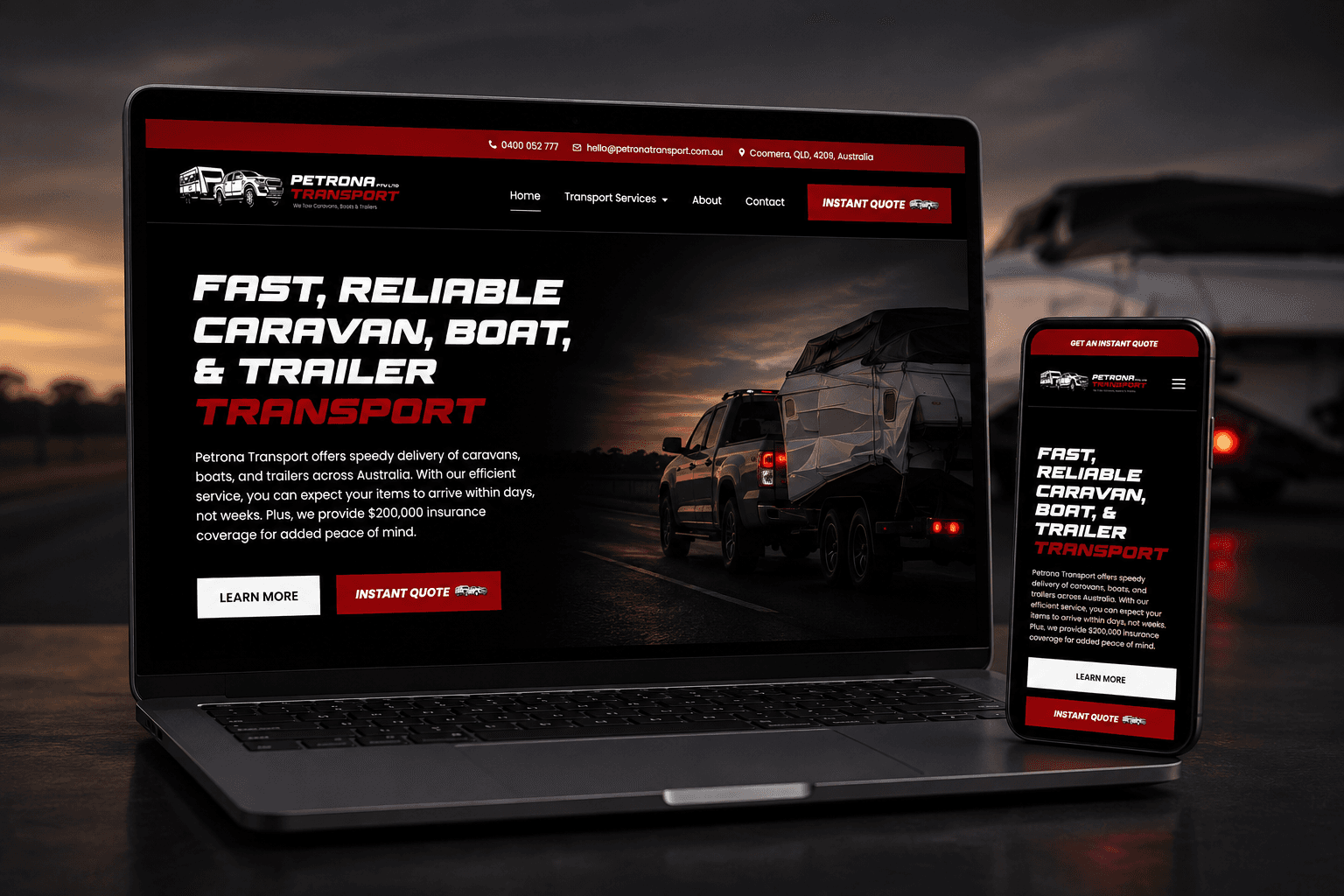
A custom website and instant quote calculator replaced slow phone-based quoting with a clearer booking journey.
1,700% more online bookings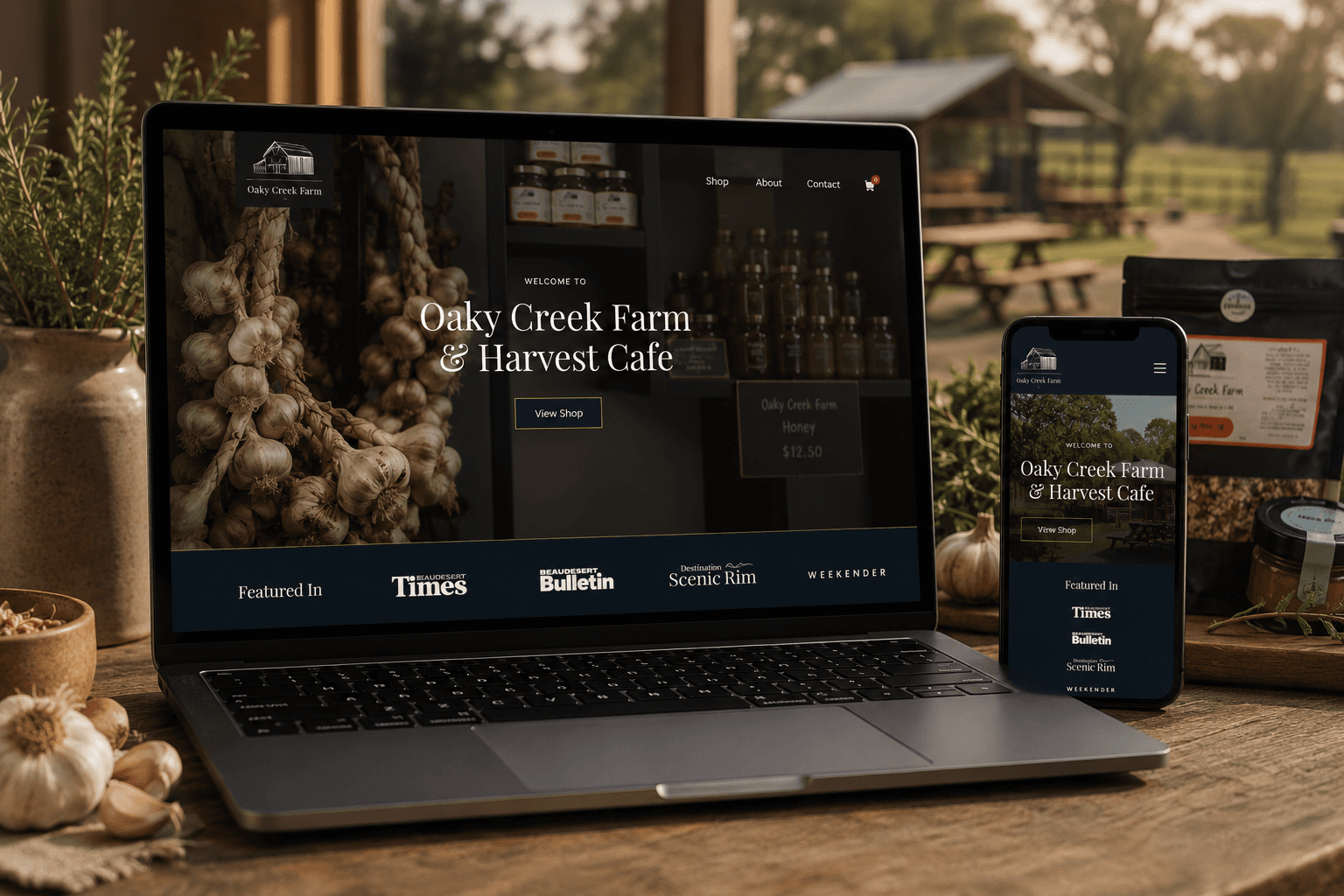
A content-rich website connects the farm cafe, products, bookings and online ordering in one customer journey.
2,105% increase in organic traffic
A premium online store made products easier to discover, compare and purchase across screen sizes.
1,750% increase in total salesWooCommerce builds commonly start around $12,000. You receive a fixed scope, price and payment schedule before work begins, with hosting and extension fees documented separately.
Understand the fit, ownership, timeline and investment before deciding what belongs in the build.
WooCommerce web design plans and builds an online store using WordPress and WooCommerce, including catalogue, content, templates, checkout, extensions and technical foundations.
Neither is universally better. WooCommerce offers deeper WordPress content control and hosting choice. Shopify offers a more managed commerce platform. Your content, operations and ownership needs should decide.
WooCommerce builds commonly start around $12,000. Catalogue size, custom product rules, content, migration, extensions and integrations determine the fixed scope.
Yes. WooCommerce runs on WordPress hosting, which should be selected for the store's catalogue, traffic, checkout and background processing needs.
Often yes through appropriate extensions or custom integrations. Feasibility, licences, data and maintenance responsibilities should be scoped first.
Plugin count alone is not the only factor, but overlapping or poorly built extensions can add performance and compatibility risk. The stack should remain purposeful and tested.
Often yes. Product, customer, order, URL and platform data need to be mapped, with migration scope based on the source systems and data quality.
Yes. Product structures, editing responsibilities and training are included in the agreed handover so routine catalogue work remains practical.
These services solve closely related website problems without forcing every requirement into one generic build.
Plan the store and compare platforms before committing to WooCommerce.
Explore eCommerce websitesKeep WordPress infrastructure, software and backups actively managed.
Explore Website hosting and maintenanceMaintain store software and priority purchase journeys after launch.
Explore Website care plansOwnership, editing, products, integrations and maintenance matter more than loyalty to a particular platform.
Compare a more managed platform for product, stock and checkout.
Explore Shopify websitesExplore the content platform underlying WooCommerce.
Explore WordPress websitesAssess specialised functionality beyond standard store patterns.
Explore Custom web designShare the catalogue, WordPress site and store requirements you want to solve. The current setup is reviewed before the session so the platform and scope can be discussed clearly.
This is a working session built around your business, not a templated audit or a disguised sales call.
Your website, catalogue and visible store structure are reviewed.
Clarify the strongest architecture, extension and hosting priorities.
A practical recommendation for WooCommerce scope and next steps.
Speak directly with the specialist doing the work. No account manager, no obligation and no sales script.