
Products are organised around internal language
Customers cannot predict which category or filter contains the item they need.
eCommerce website design services should help shoppers find the right product, understand the choice and complete the purchase with confidence. Catalogue structure, product information, mobile usability, checkout and store operations are planned as one system rather than separate design tasks.

Shoppers leave when categories are vague, product differences are unclear, delivery information appears late or the mobile checkout creates doubt. Strong commerce design removes those questions in the order they appear.
Customers cannot predict which category or filter contains the item they need.
Features are listed without explaining fit, differences, use or the evidence needed to choose.
Delivery, returns, availability and payment information appear too late in the journey.
Stock, fulfilment, promotions and product data require duplicate work or unreliable handoffs.
An eCommerce build succeeds when information architecture, product content, interface and operations support the same purchase journey.
The platform matters, but it cannot compensate for unclear products or a difficult buying journey. Choose technology after defining the catalogue and operational requirements.
Group products around how customers browse, search and compare rather than the internal database alone.
Explain suitability, differences, proof, delivery and returns where they influence the choice.
Reduce avoidable steps and keep price, availability and action clear on smaller screens.
Plan stock, fulfilment, payment, tax and integration responsibilities before launch.
Each stage resolves a different question, from finding the range to trusting the order.
Illustrative commerce journey. Your store uses real products, policies and operational requirements.
Use clear categories, search, filters and landing pages around genuine buying intent.
Expose meaningful attributes without creating a maze of empty combinations.
More shoppers reach a relevant product set sooner.
Use images, specifications, guidance, reviews and related options to support the decision.
Prioritise information by what changes the choice, not what is easiest to import.
Customers can judge fit without leaving to research elsewhere.
Clarify price, availability, delivery, returns and payment before checkout pressure rises.
Keep mobile actions visible and validation helpful.
The path from product to purchase feels predictable.
Use accounts, replenishment, useful email and service information without obstructing the first order.
Connect post-purchase systems and consent before automation begins.
The store supports a longer customer relationship.
The fixed scope reflects catalogue size, product data, integrations and the customer experience required.
Clarify products, customers, operations, integrations and measurable store priorities.
Design categories, attributes, search, filters and internal paths around product discovery.
Create responsive category, product, cart and content experiences aligned with the brand.
Structure information, proof, policies and prompts around confident buying decisions.
Configure agreed checkout, tax, fulfilment, inventory and connected systems.
Test priority devices and order paths, then hand over store operations and editing guidance.
A useful store improves both the visible buying experience and the operations supporting it.
Customers can navigate a large or specialised range using language that makes sense to them.
Content and proof answer the questions that determine suitability and trust.
Mobile actions, delivery information and validation create a more predictable path.
Agreed systems reduce duplicate handling across stock, orders and fulfilment.

Direct communication keeps design, catalogue and operational decisions visible, with responsibilities agreed before the store goes live.
The sequence prevents design from hiding unresolved catalogue, content or integration decisions.
Define range, attributes, fulfilment, payments, integrations and priority purchase journeys.
Create navigation, templates, data requirements and wireframes around how shoppers decide.
Develop the responsive store and connect the approved commerce systems.
Validate products, devices, payments, shipping, notifications, tracking and team workflows before launch.
Good design makes the offer easier to understand and the next action easier to take. These projects connect the website with bookings, sales and search visibility.
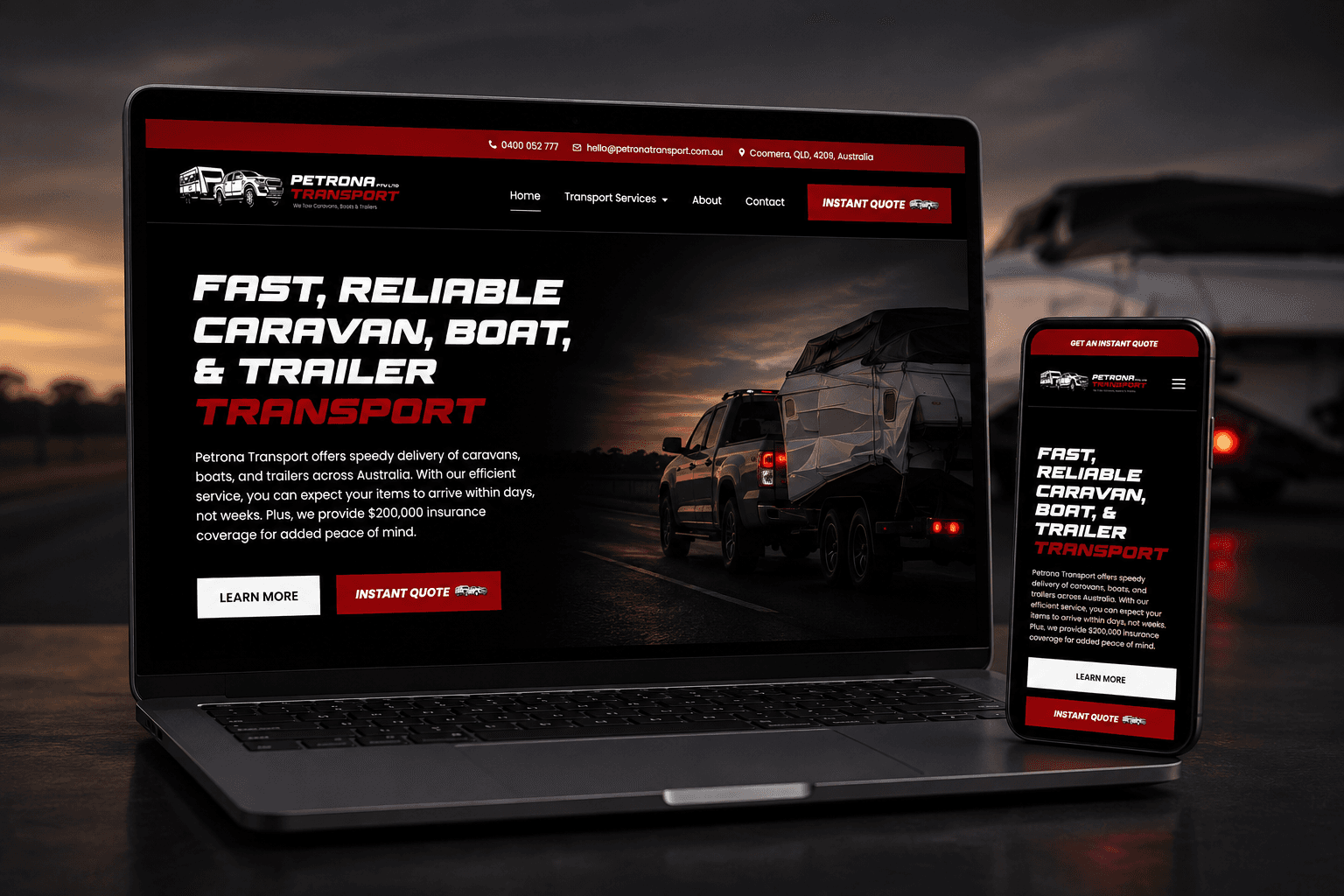
A custom website and instant quote calculator replaced slow phone-based quoting with a clearer booking journey.
1,700% more online bookings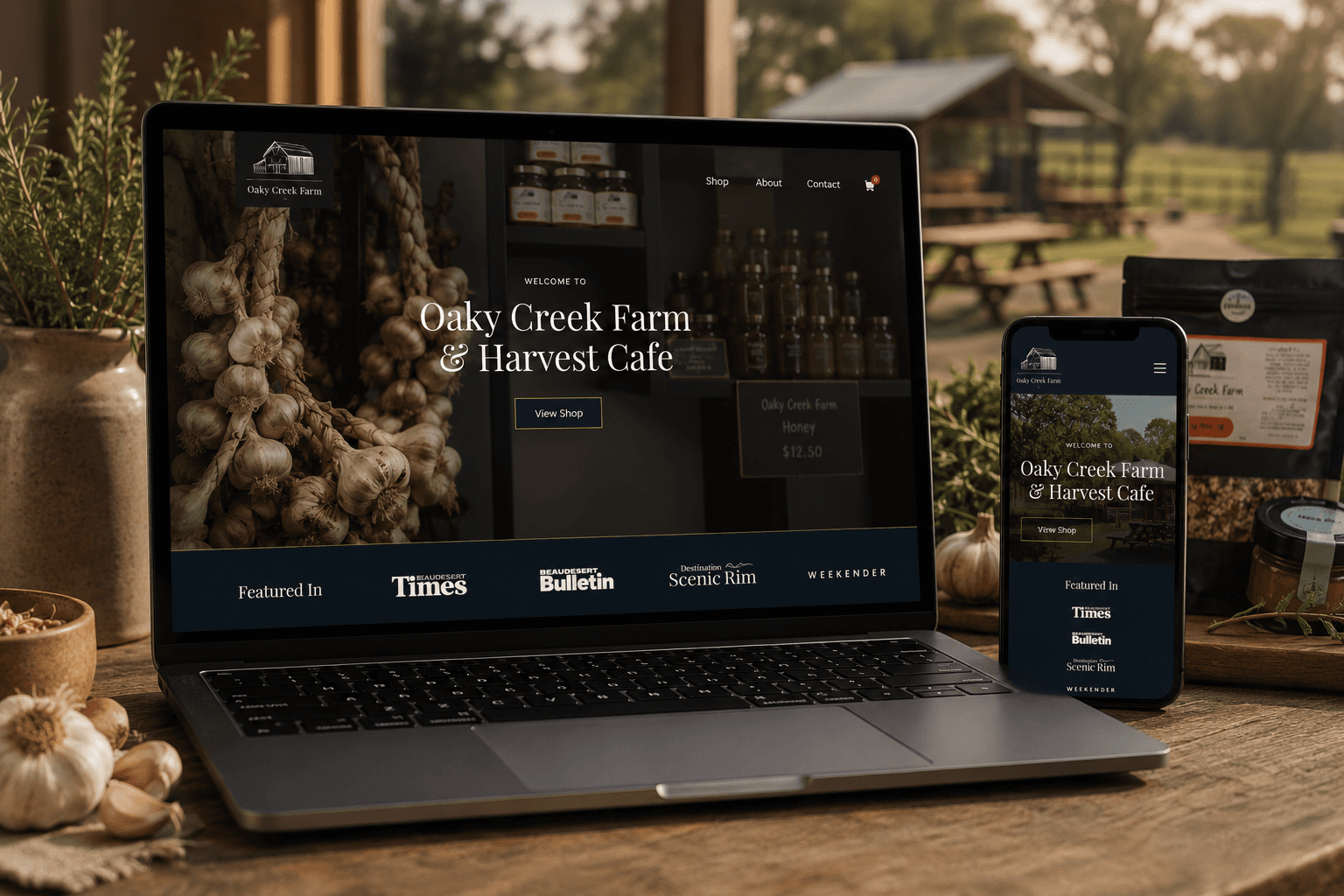
A content-rich website connects the farm cafe, products, bookings and online ordering in one customer journey.
2,105% increase in organic traffic
A premium online store made products easier to discover, compare and purchase across screen sizes.
1,750% increase in total salesYou receive a fixed scope, price and payment schedule before work begins. WooCommerce builds commonly start around $12,000, with the final investment based on actual store requirements.
Understand the fit, ownership, timeline and investment before deciding what belongs in the build.
They plan and build the catalogue, product, cart and checkout experience alongside payments, shipping and required integrations. The goal is a store customers can understand and the business can operate.
Shopify suits many product-led businesses wanting a managed commerce platform. WooCommerce offers deeper WordPress content control and flexibility. Catalogue, operations, ownership and team needs should decide.
WooCommerce builds commonly start around $12,000. Catalogue size, product data, content, shipping, payments and integrations determine the fixed project scope.
Yes, when product, customer, order, URL and platform requirements are mapped carefully. Migration complexity is assessed before the scope is agreed.
Yes. Product discovery, cart and checkout are tested across practical mobile sizes because many shopping journeys begin or finish on a phone.
Often yes. Feasibility depends on the systems, APIs, data and responsibility for each handoff. Integrations are scoped before development.
The build includes crawlable catalogue structure and on-page foundations. Competitive eCommerce growth may also need ongoing content, technical SEO and authority work.
Platform, access, data and licence responsibilities are documented in the scope. Your business should retain appropriate ownership and access to its store systems.
These services solve closely related website problems without forcing every requirement into one generic build.
Build specialised store functionality around a distinctive business model.
Explore Custom web designRework an existing store while protecting useful content and URLs.
Explore Website redesignsKeep store software and critical purchase journeys maintained after launch.
Explore Website care plansOwnership, editing, products, integrations and maintenance matter more than loyalty to a particular platform.
Managed commerce for product, inventory and checkout workflows.
Explore Shopify websitesFlexible WordPress commerce with deeper content and store control.
Explore WooCommerce websitesContent-led websites that can extend into commerce through WooCommerce.
Explore WordPress websitesShare the products, platform and buying friction you want to solve. The current store and requirements are reviewed before the session so the discussion starts with the strongest priorities.
This is a working session built around your business, not a templated audit or a disguised sales call.
Your store, catalogue and visible buying journey are reviewed.
Clarify the strongest catalogue, platform and conversion priorities.
A practical recommendation for scope and the next planning step.
Speak directly with the specialist doing the work. No account manager, no obligation and no sales script.